
Blocmount's Unified Dimension (UniDim)
Upload
- Upload an drawing file (e.g., tif) to be scanned for dimensions to be detected.
- Decide the scope of work (e.g., conversion, plating).

Confirm/Override/Redacte
- AI agents detect and suggest replacements for every dimension based on the scope of work.
- Confirm and/or override any dimension.
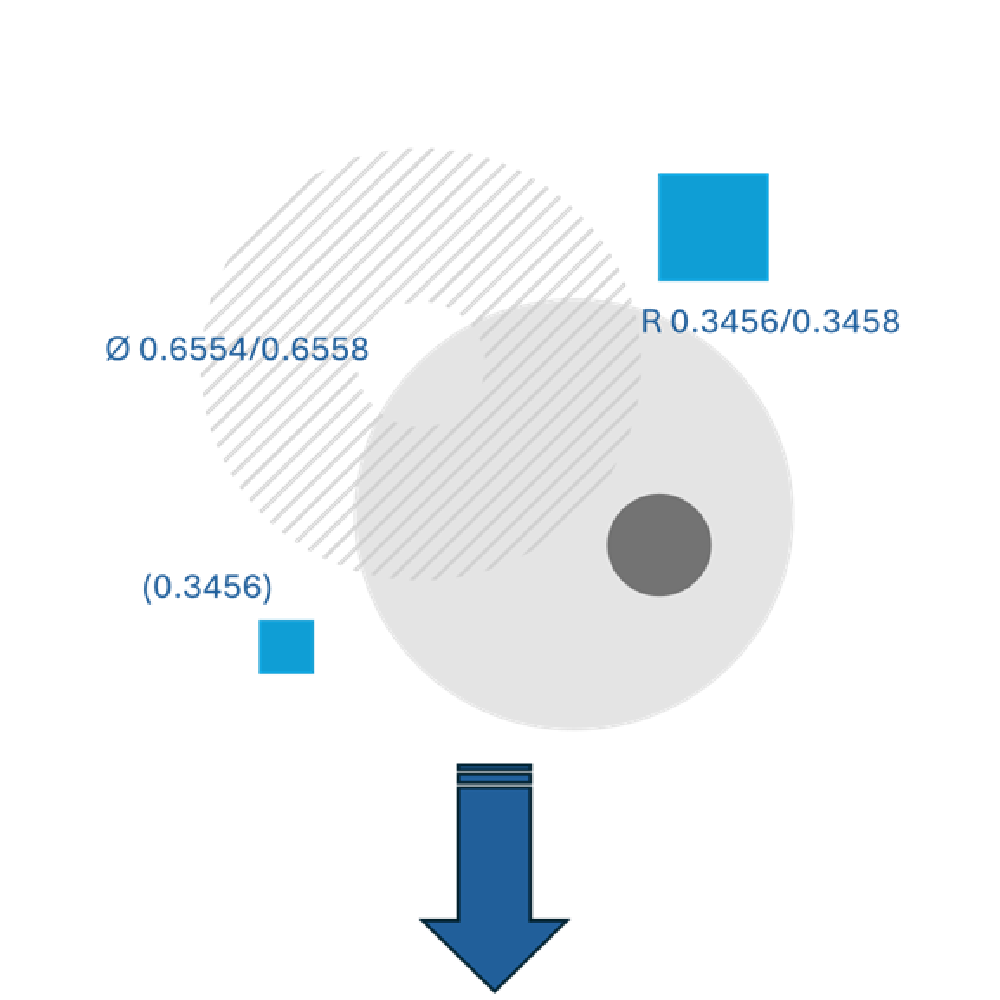
Download
- Download an updated drawing that can be safely shared on the floor for operators to use.
Features
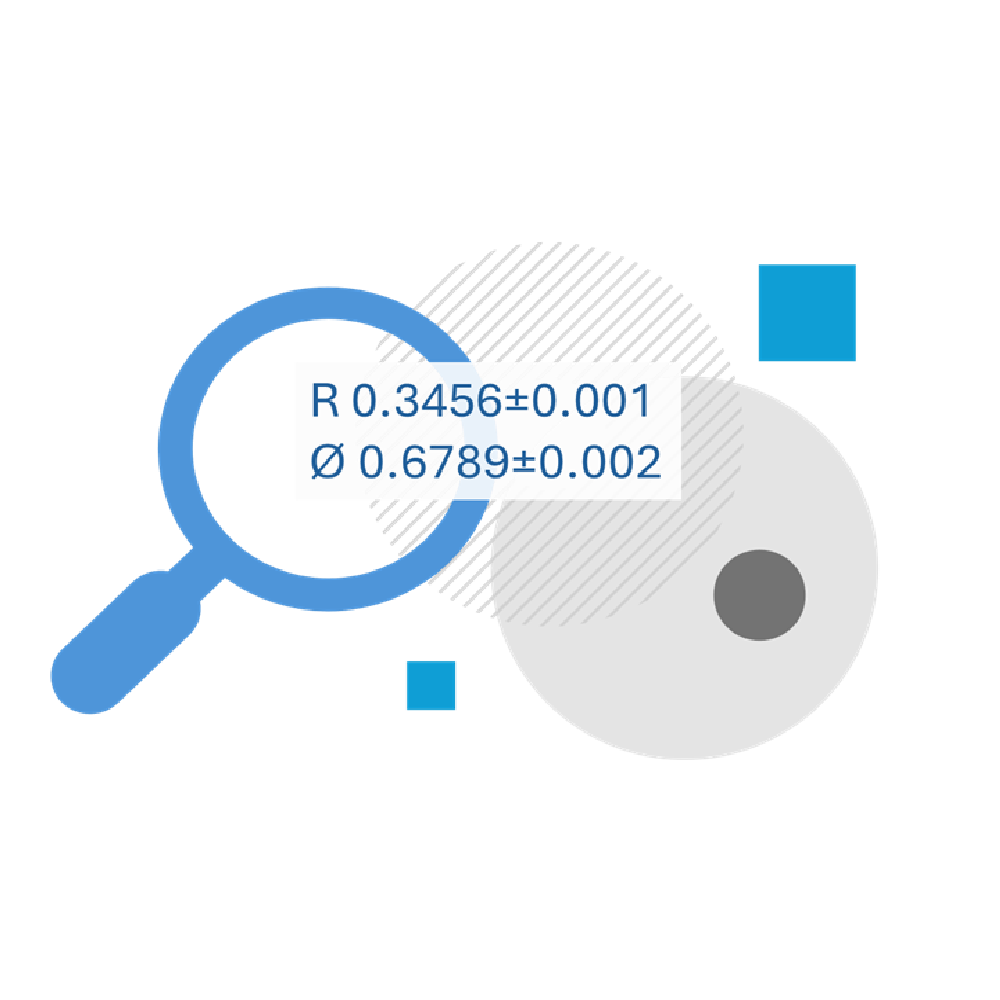
Dimension Detection
-
UniDim detects a variaty of dimensions
- Default tolrences on sheets
- Reference dimensions
- Single and double sided tolrences to override defaults (e.g., + , - , ±)
- Radii and diameters

AI-Powered Analytics (supervised)
- Pairing dimensions
- Text detection and conversion
- Adjustments for plating
Embedded supportive tools
- Create and delete certain dimensions
- Adjust formating output (e.g, XXX/YYY vs xx+- tol)
- Add boxes and diameter/radius symbols
- Calculators configured with sheet tolerences
UniDim Sample Operation
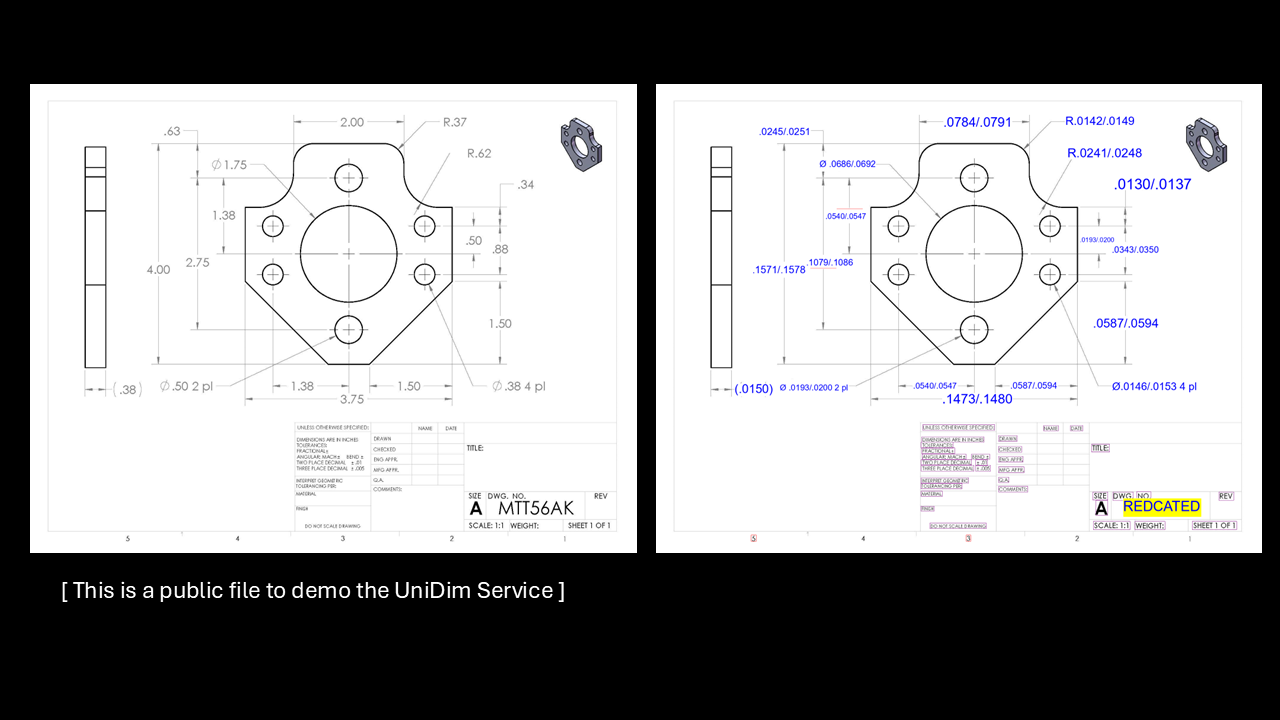
UniDim sample Input and Output files
With just few clicks, an input drawing file (left side in mm) can be converted into the one on the right side in inches with default tolerences applied. The service allows for the opposite conversion as well as adjusting dimensions for plating. Files are stored securely on a dedicated S3 bucket.